What is a pod?
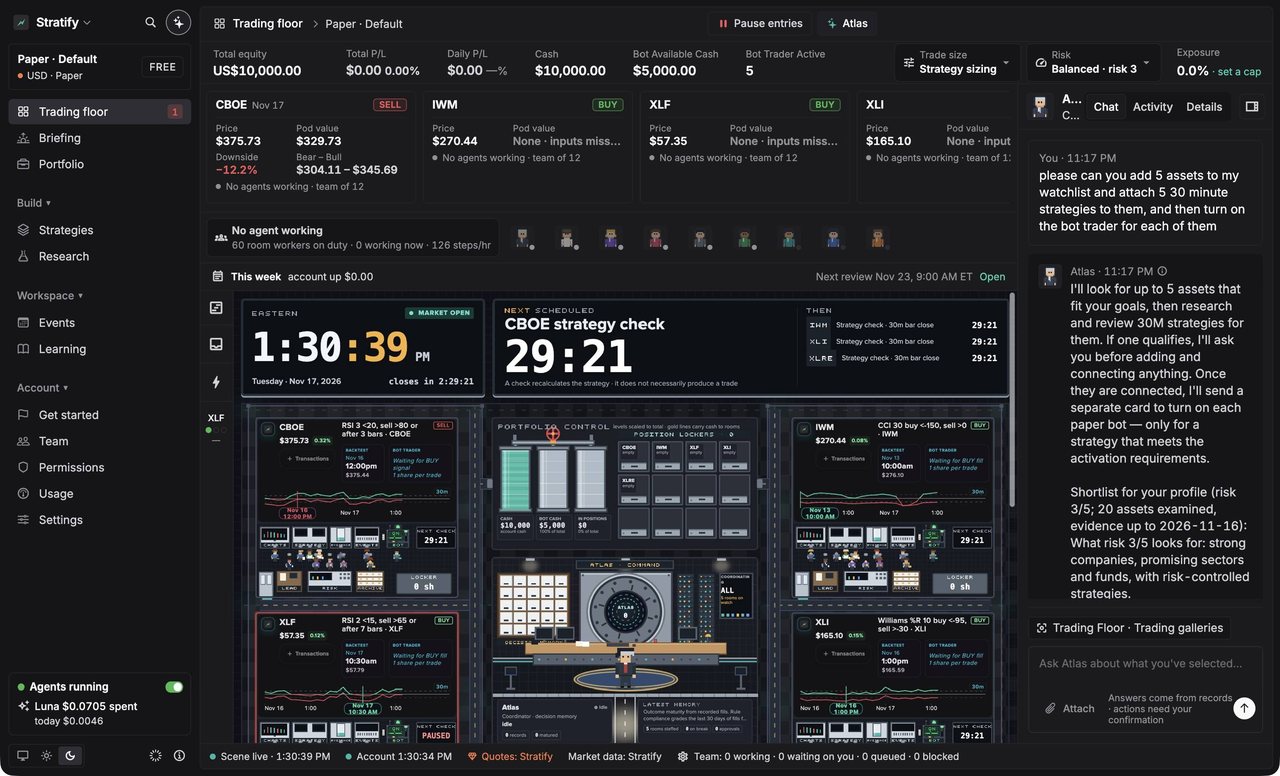
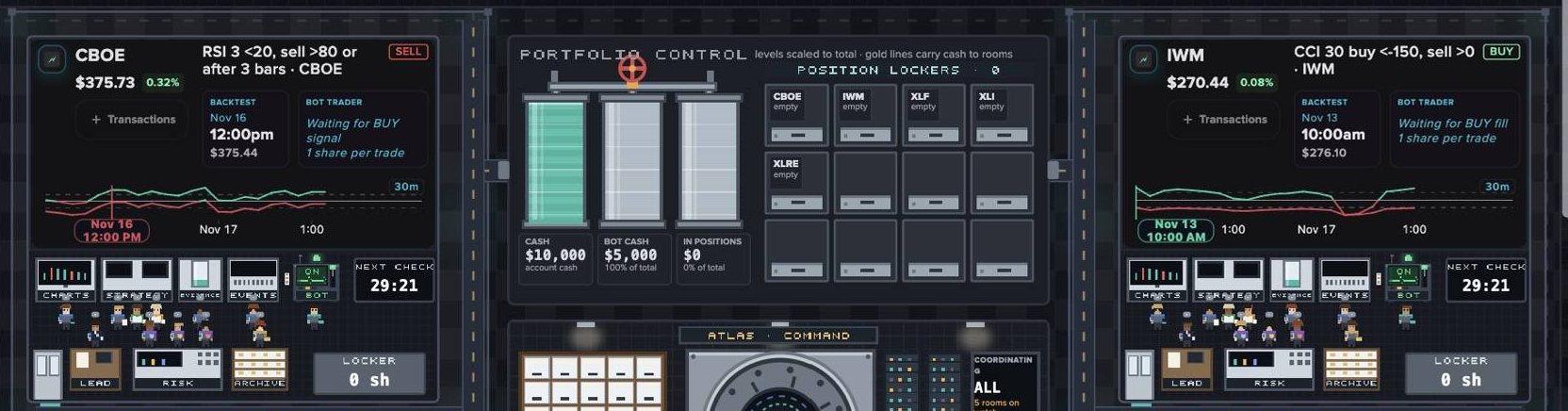
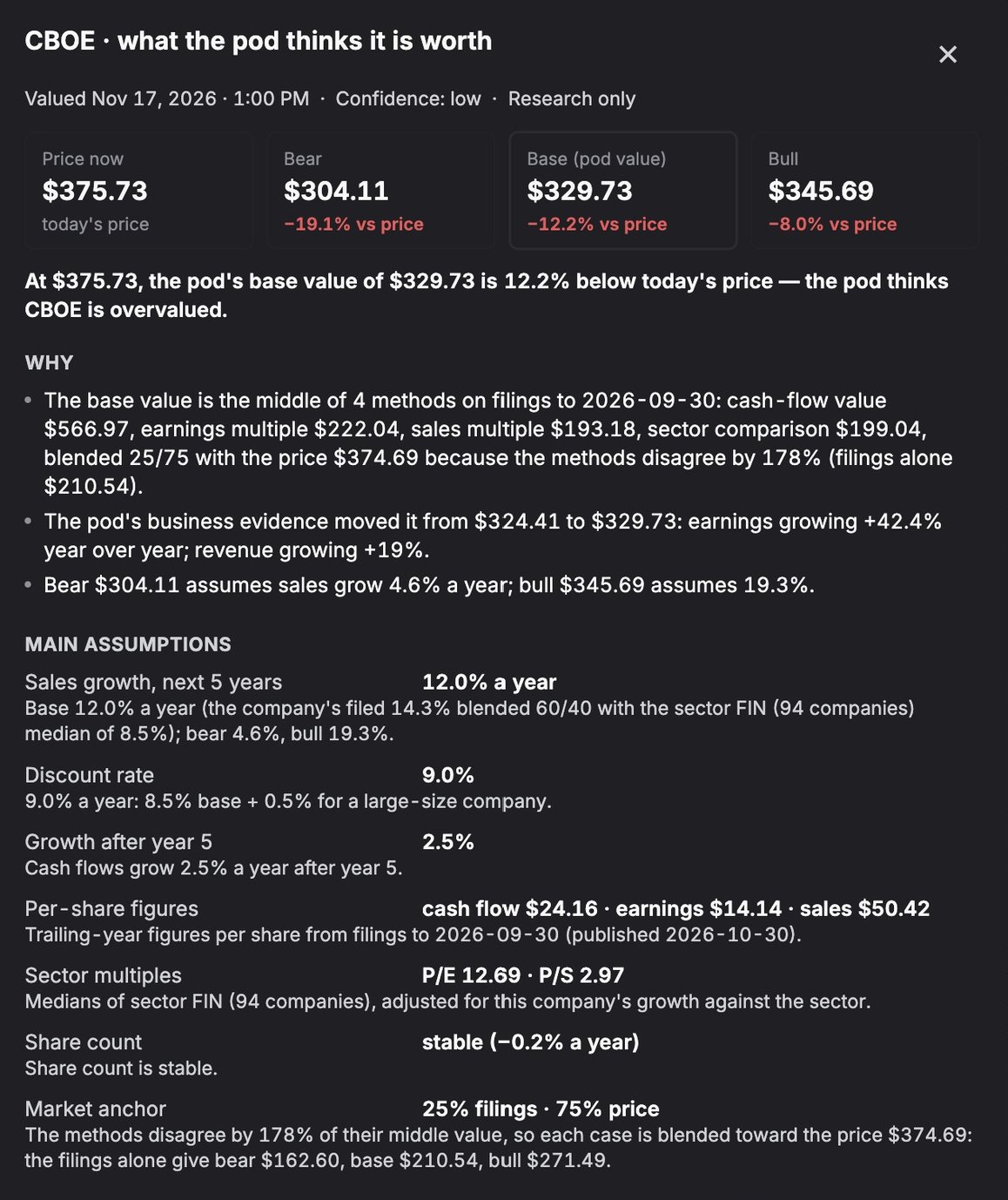
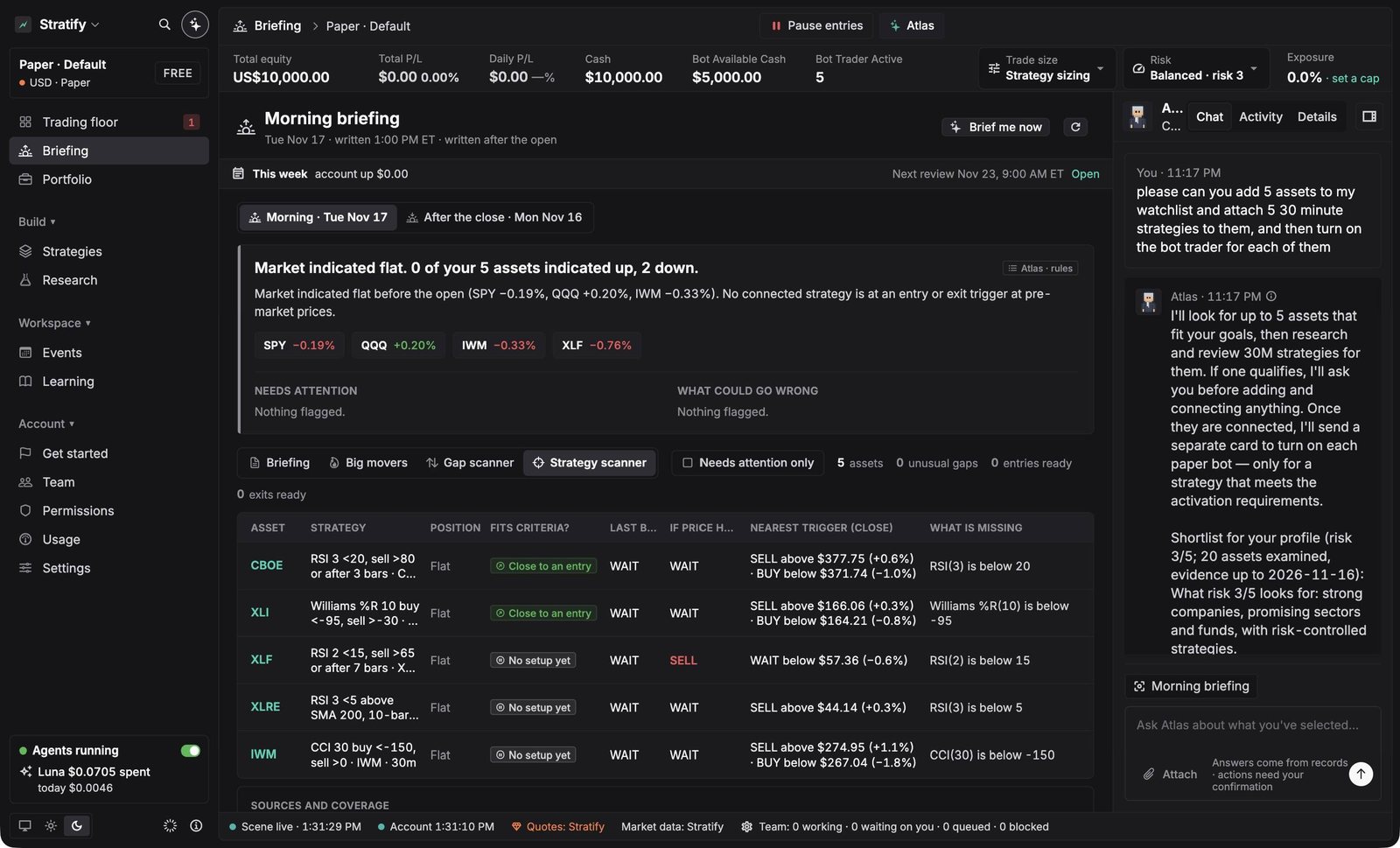
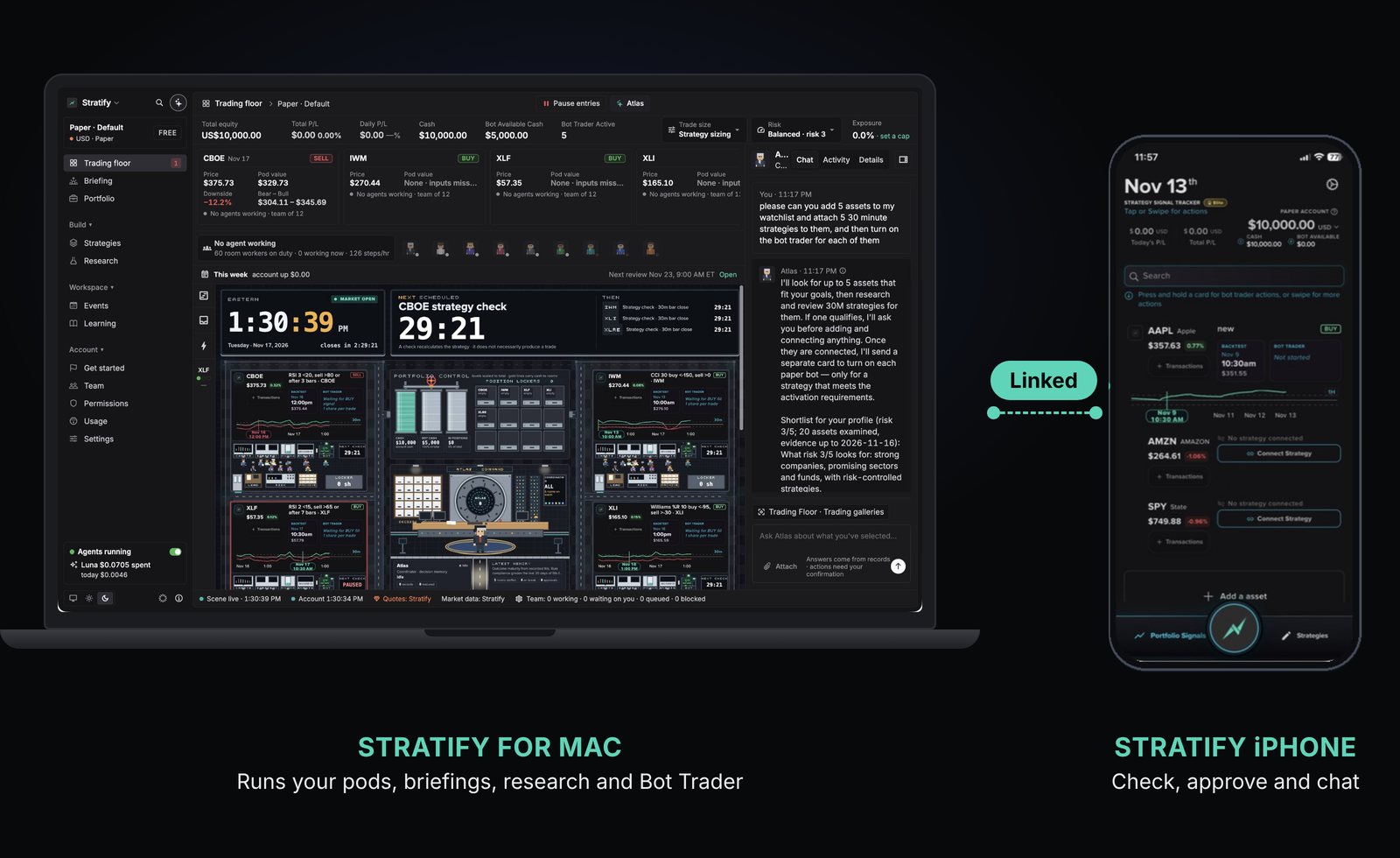
A pod is the team of AI room workers assigned to one asset on your watchlist. Each pod has a market analyst, events analyst, evidence analyst, strategy analyst and a room lead. They watch that asset, value the company, check its connected strategy at every bar close and write its part of your briefings.
When do the briefings arrive?
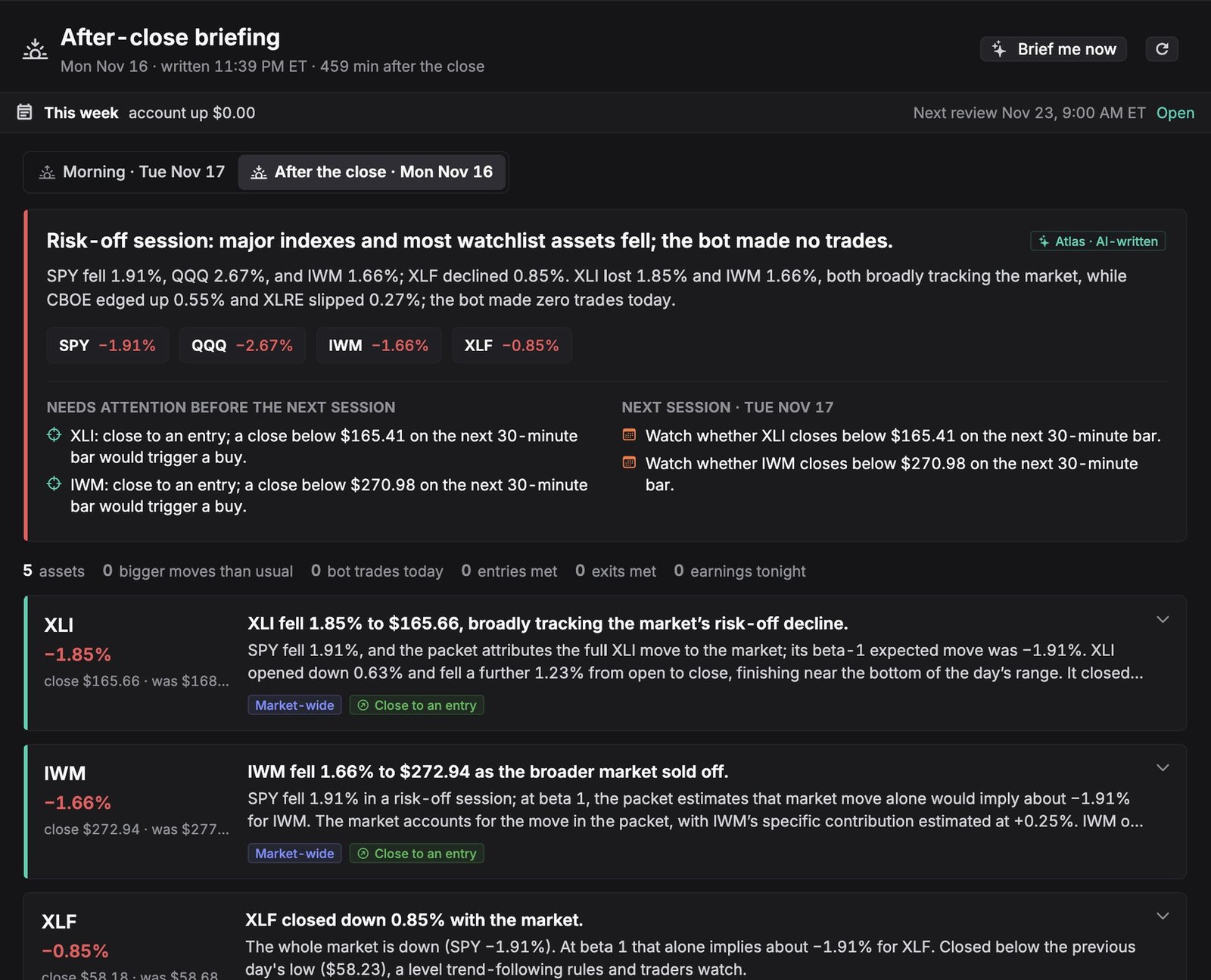
The morning briefing is written 30 minutes before the regular US open (9:00 AM ET on trading days). The after-close briefing is written 30 minutes after the close, including early closes. If your Mac was asleep, Stratify catches up when it wakes.
Is Stratify a financial adviser?
No. Stratify is software. It does not assess whether any trade is suitable for you, and pods explain — they never tell you what you should buy. You choose your risk level and you decide every trade.
Can Stratify trade real money?
Yes, on Pro and Elite. Connect your brokerage through SnapTrade and the Bot Trader can place real orders in your own account — but every order, entry or exit, waits for your approval and expires if you don't answer. On Free, bots trade a practice (paper) account and fill automatically so you can watch them work.
Does it need my Mac to be on?
Yes. Stratify runs on your Mac and keeps it awake while trading. When the Mac is asleep or closed, nothing new is generated and the app says so. Stop orders held at your broker still protect positions.
Which brokerages and assets?
US-listed stocks and ETFs and major crypto, through brokerages SnapTrade supports — including Alpaca, Interactive Brokers, Schwab, E*TRADE, Robinhood, Webull, Questrade, Wealthsimple, Coinbase and Kraken. Trading support varies by brokerage and account type. Order types and fractional shares depend on your broker; Stratify checks before every order.
Will it beat the market?
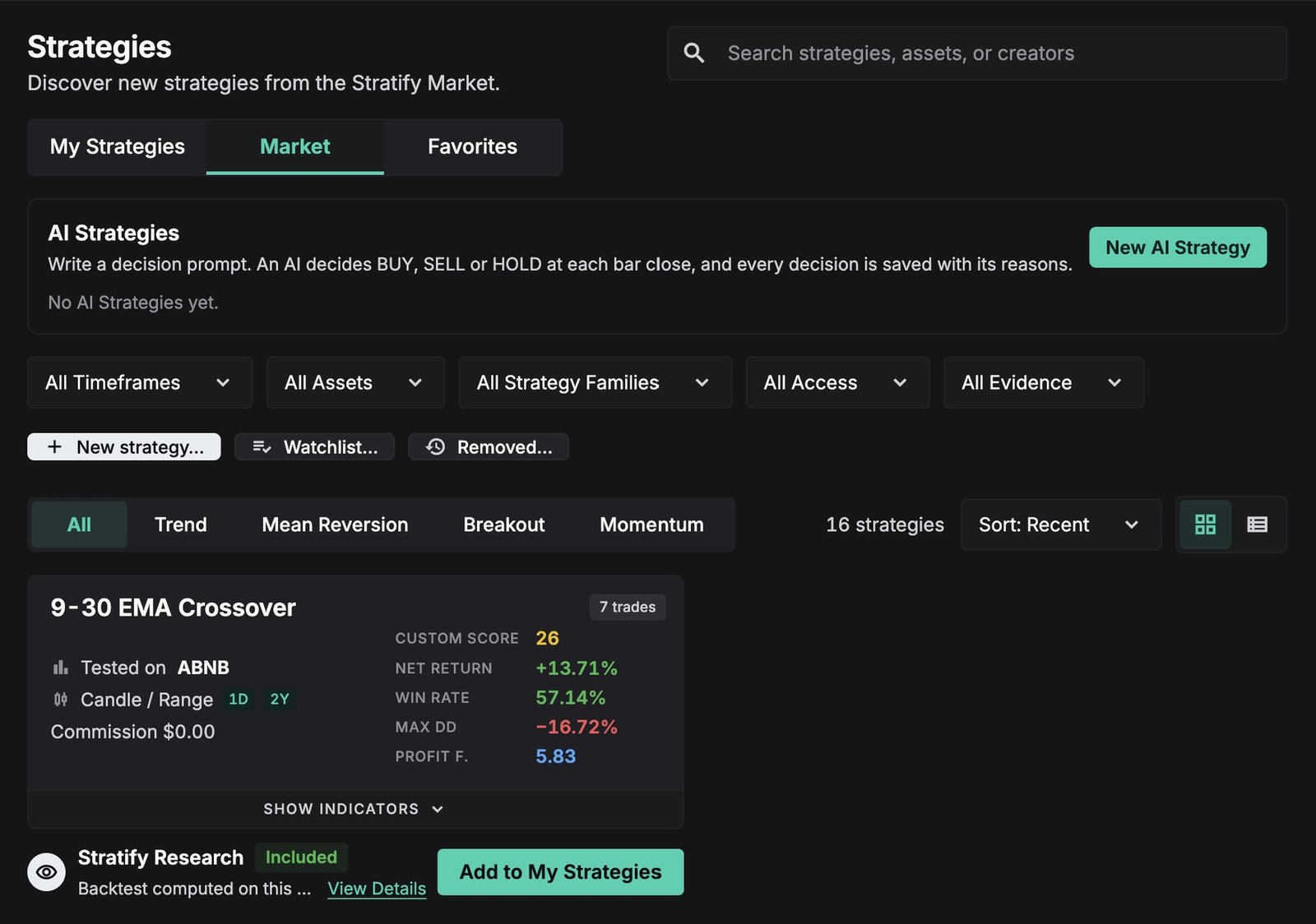
We don't promise that, and nobody honestly can. Stratify shows every strategy against simply holding, after costs, so you can judge for yourself.
What does it cost?
Free costs nothing. Pro is $19.99 USD a month and Elite is $39.99 USD a month; cancel any time. Never a percentage of trades or profits. Compare plans.
How do I install the Mac app?
Click Download for Mac, open the downloaded Stratify file and drag Stratify into Applications. Open it from Applications and sign in. See the download page for system requirements and help if macOS asks you to confirm.
 Stratify